01
Sign Up
Free. Sign up and name your layout. Your roster, settings, and layout data sync instantly across every device.
Throttles, turnouts and automation for DCC-EX. Connect your EX-CommandStation to every phone, tablet, and laptop in the room — drive, automate, and grow your layout from any browser. Free.
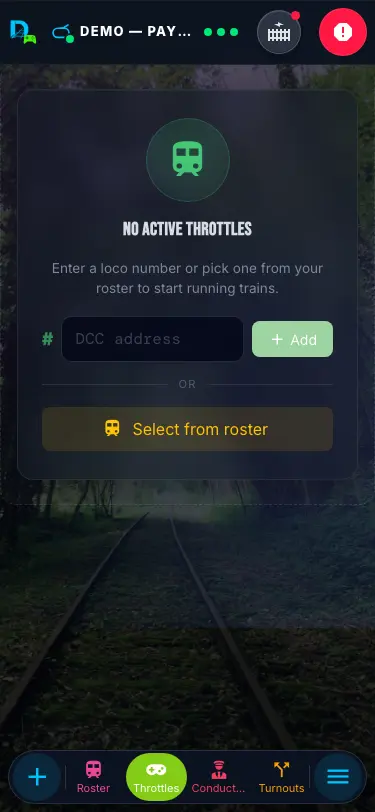
DEJA Server runs on one computer plugged into your EX-CommandStation by USB. Every phone, tablet, and laptop reaches it through DEJA Cloud — there's nothing else to install.
Your devicesDEJA Cloud
deja start — Mac, Windows, Linux or Raspberry Pi.
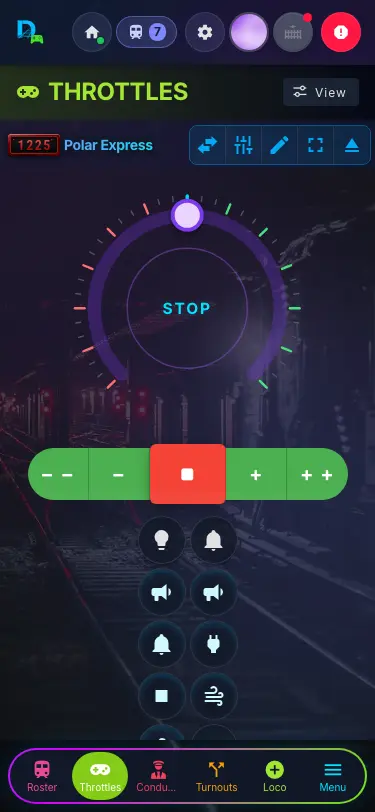
Every phone, tablet and laptop is a throttle.
Any browser becomes a cab — speed, direction, functions, sounds and consists, in four throttle styles. Engine Driver and other WiThrottle apps drive alongside.
Sensors, turnouts, signals and trains, wired together. When a train trips a sensor, DEJA can throw the turnout, clear the signal and bring the train into the station — automations run on your DEJA Server, even with the app closed.
Plus routes and track diagrams to line up a whole path in one tap.
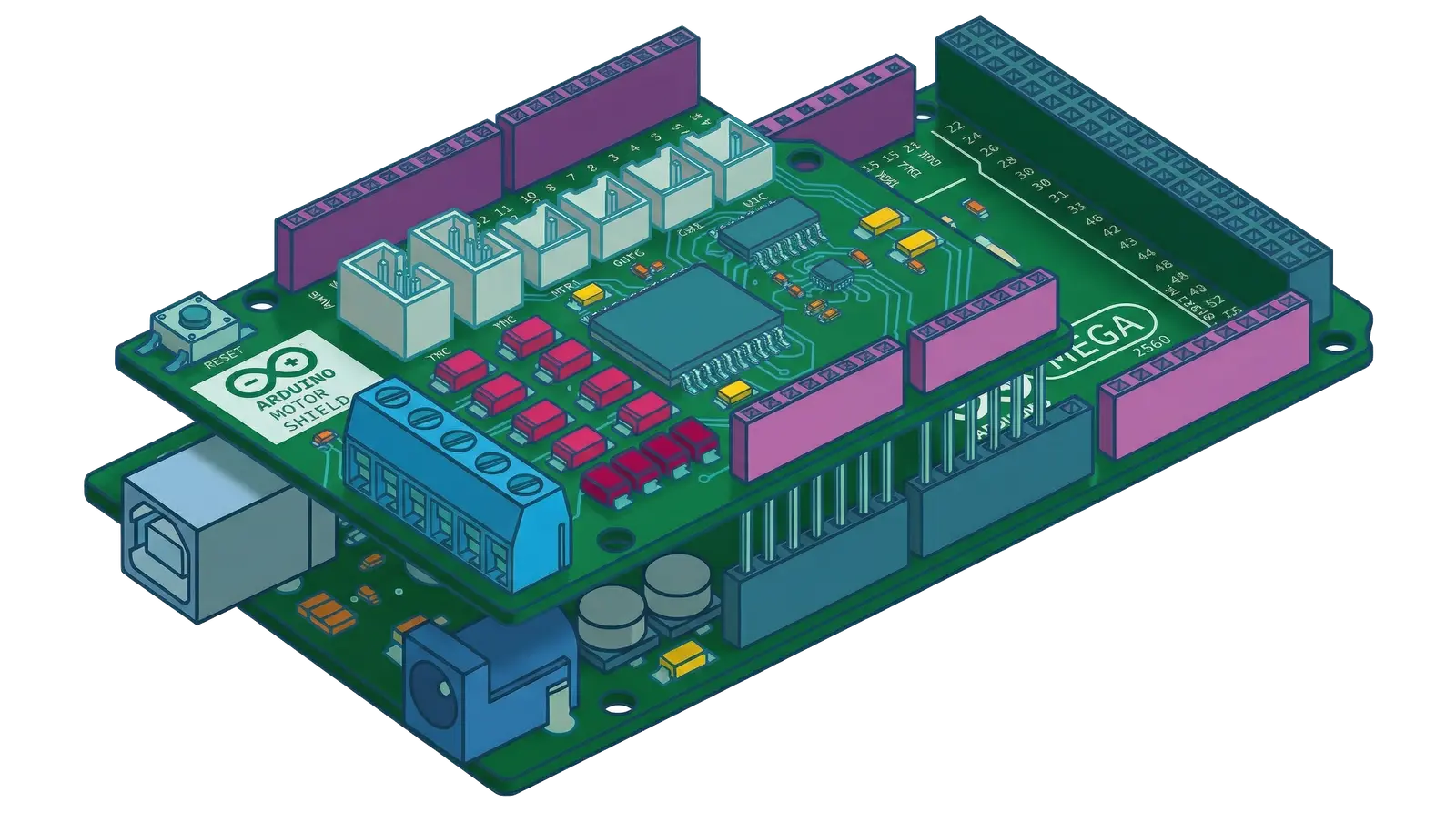
With DEJA IO, add Arduino Mega, ESP32 and Pico W boards for lights, servos, signals and sensors, over USB or WiFi. No code to write — plug in, attach your accessories, configure them in Throttle and deploy; the firmware comes with DEJA. WLED strips join as devices too. DEJA IO even works without an EX-CommandStation — handy for lighting and animating a scene before the trains arrive, or alongside your existing DCC system.
Any phone, tablet or browser
over the internet
Your computer runs DEJA Server
USB · required
DCC-EX CommandStation
DCC
Your layout
Free. Sign up and name your layout. Your roster, settings, and layout data sync instantly across every device.
Plug in your deja login to connect your account, and deja start to launch the server.
Open the Throttle app on any device — phone, tablet, or desktop. Scan the QR code to launch it instantly on your phone.
Scan to open on phone
Scan to open on phone
Let visitors explore your layout from their phones — no account. They scan your guest QR code, pick a fun railroad name, type the Room Code on your display, and they're aboard.
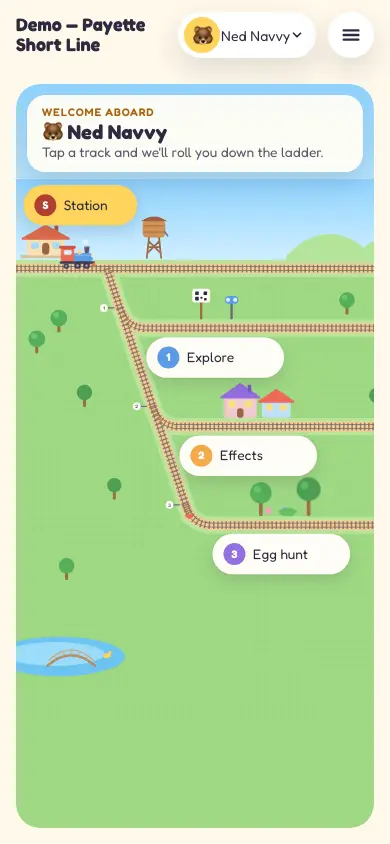
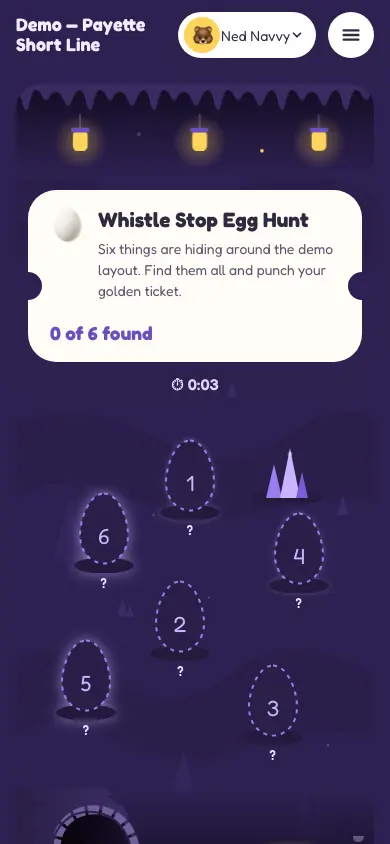
One small server on the computer by your EX-CommandStation, installed with one command. Your throttles run in any browser.
| Desktop-era control | DEJA |
|---|---|
| A Java desktop app | A small server, installed with one command on the computer by your EX-CommandStation |
| XML panel files | Set up in Throttle, synced live |
| One computer at the desk | Every phone, tablet and laptop in the room |
| Installed on each machine | Installed once; phones and tablets just open a browser |
Sign up, install the server, and run your first train — start to finish.
Free — optional donations support development (opens in a new tab). Setup sessions are paid help from Track & Trestle.